|
|
In the preview window, you can choose between and tabs:
Products group selection
![[Note]](img/resources/note.png) |
Note |
|---|---|
|
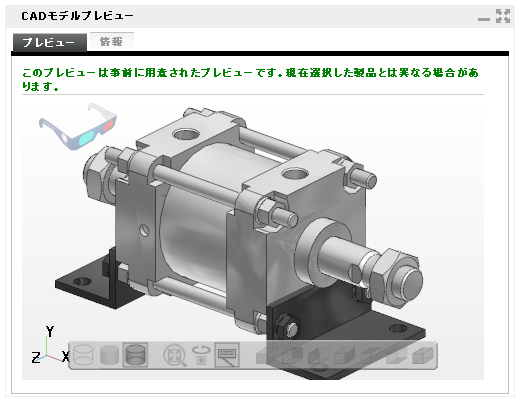
The first preview is pre-generated by the system, and might differ from your selection. In order to display the actual preview corresponding to your selection, please click the button. |
|
|
Note |
|---|---|
|
In case CADENAS PARTwebViewer software is not installed on your system, the following message will be displayed. 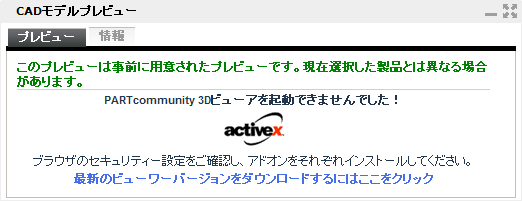 CADENAS ActiveX-Viewer not installed
Please follow the instructions to install the viewer. 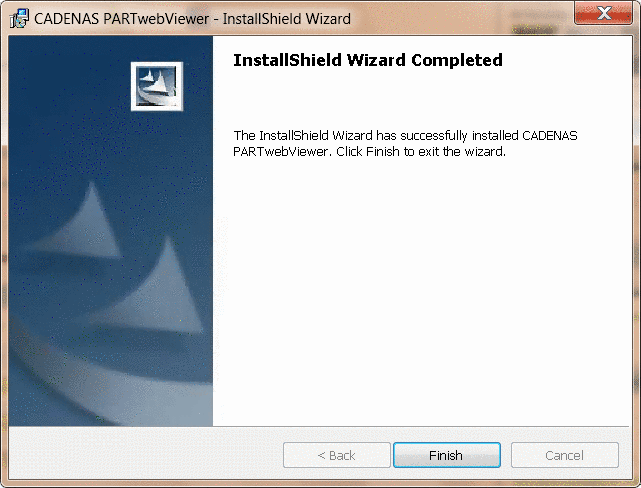 CADENAS PARTwebViewer installation |
|
Preview
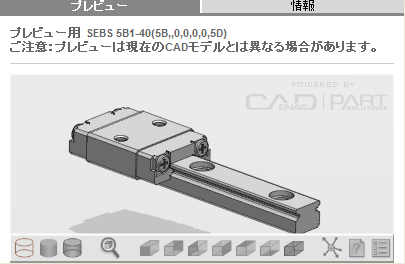
| As soon as a part is selected, a 3D preview will show up in the CAD model preview area (in case a 3D model is available.) |
|
The following explains how to use the 3D view controls.


|
|
||

|
|
||

|
|
||

|
Fit |
||

|
7 views: |
Info
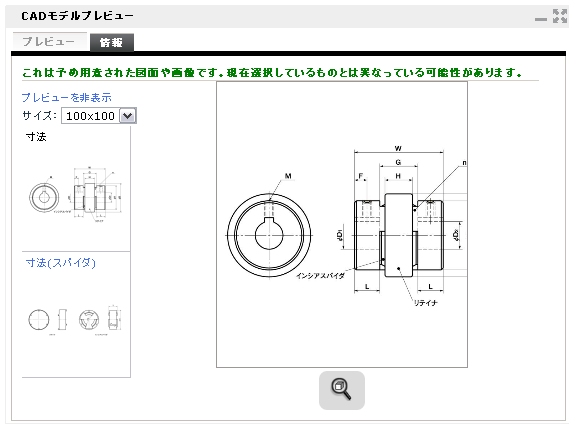
| When a part is selected, its 2D drawing will be displayed in the area (in case a 2D drawing is available). |
|