 |
|
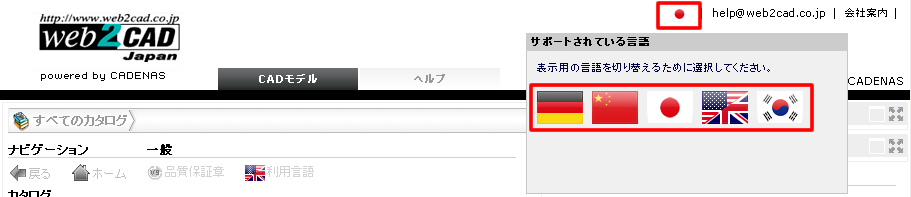
Language selection (user interface)
By clicking the flag on the top right, other available languages will be displayed. Please select your desired language, then the user interface will be refreshed automatically.
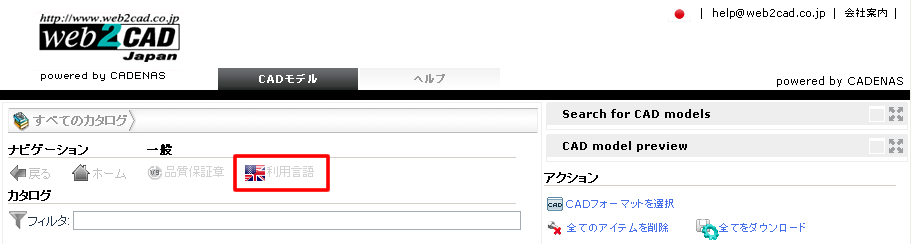
Language selection (catalogs)
Clicking the flag from the navigation menu will open
the language selection box for the catalog.
This is the display language for the catalog contents.
Languages availability depend on the catalog.
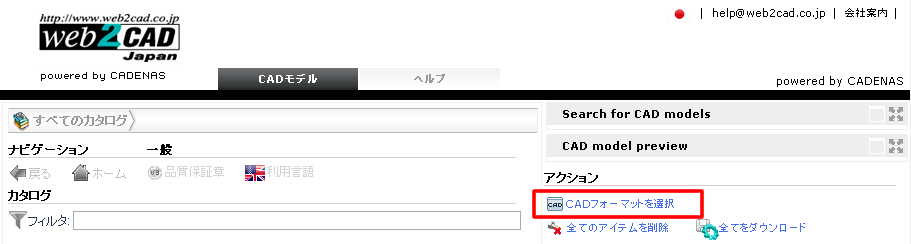
Settings
The area will allow you to select the CAD format.
Help
You can open this help page from the tab in the top menu bar.
